# Qwen3-TTS WebUI
A text-to-speech web application based on Qwen3-TTS, supporting custom voice, voice design, and voice cloning.
[中文文档](./README.zh.md)
## Features
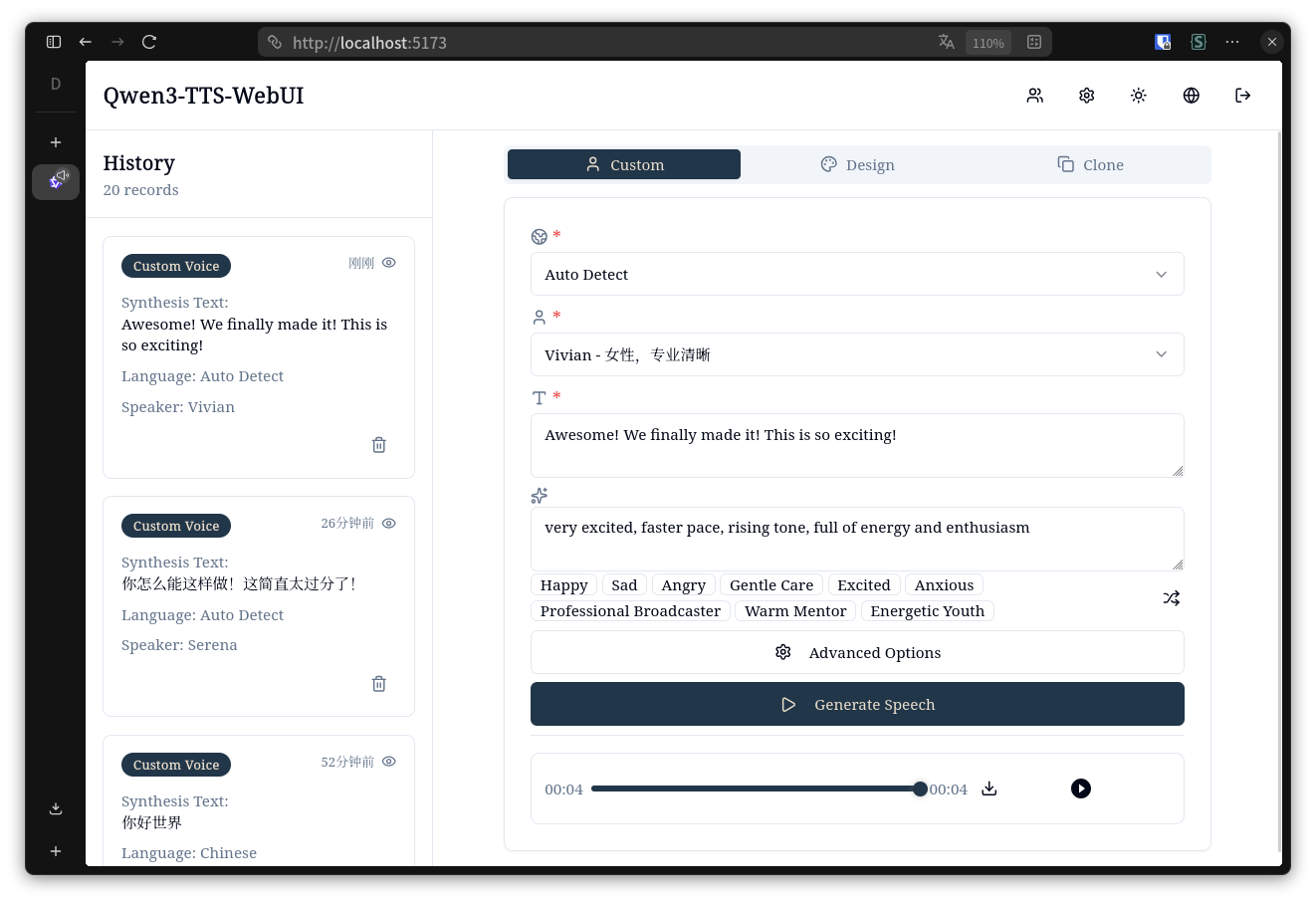
- Custom Voice: Predefined speaker voices
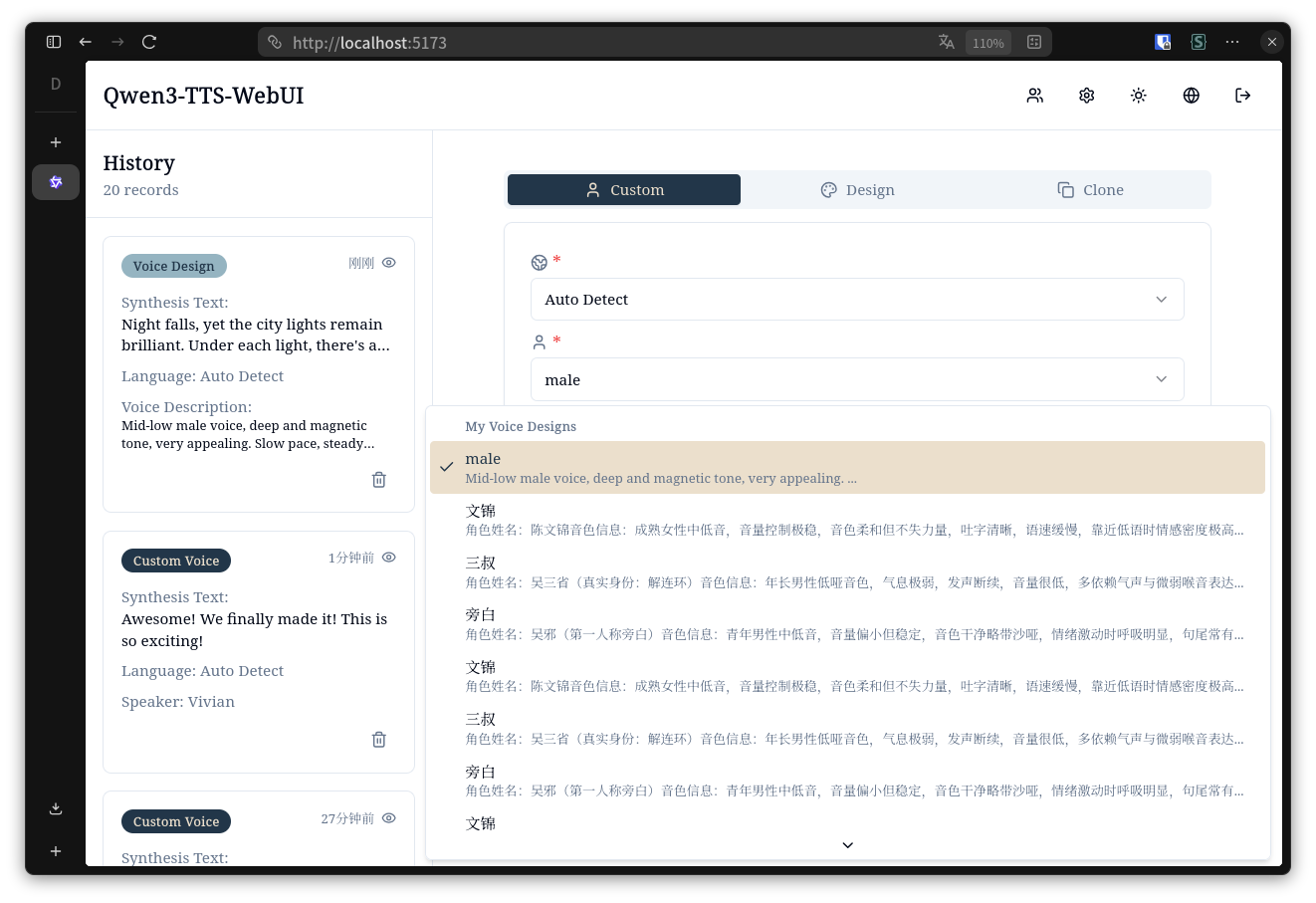
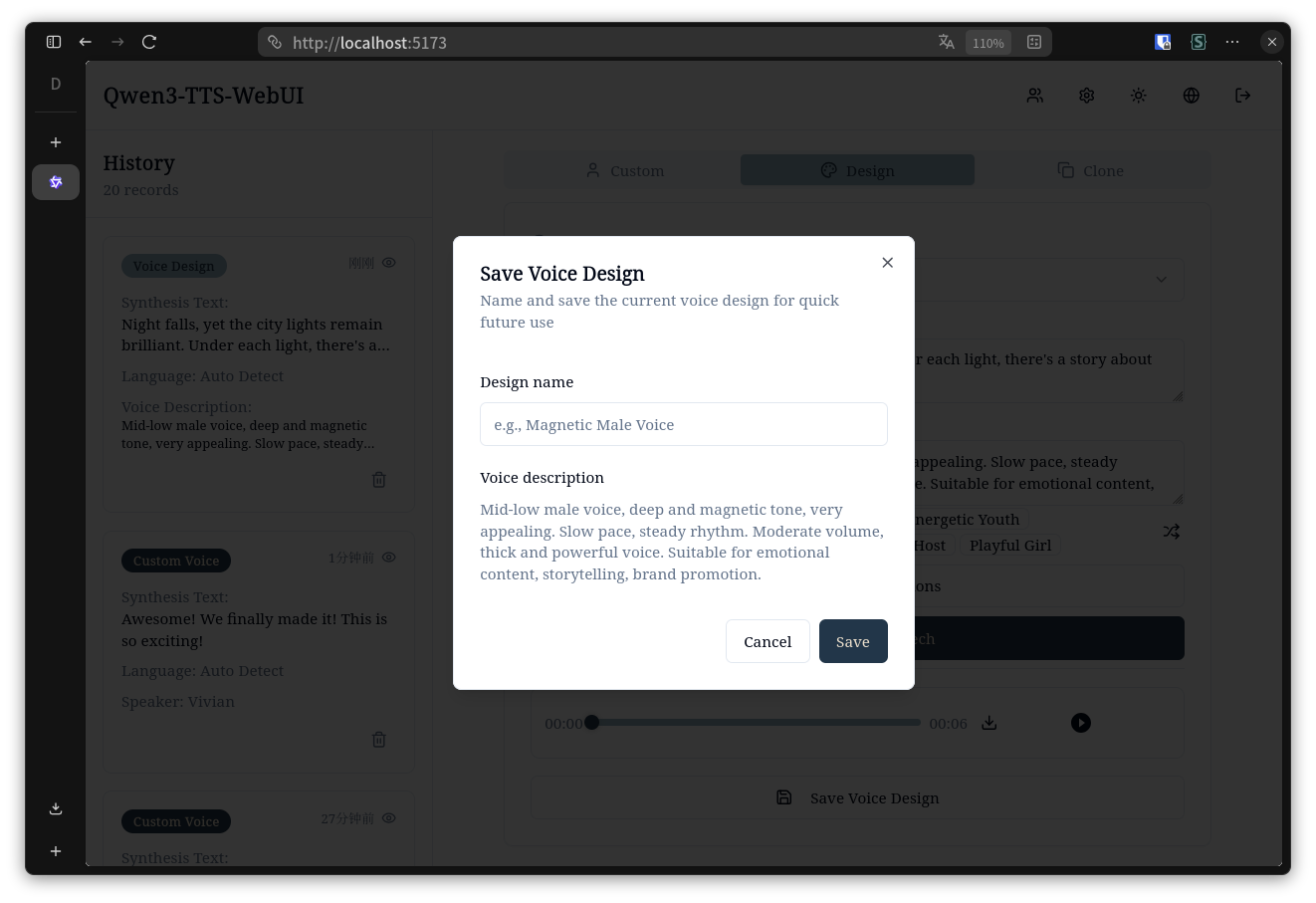
- Voice Design: Create voices from natural language descriptions
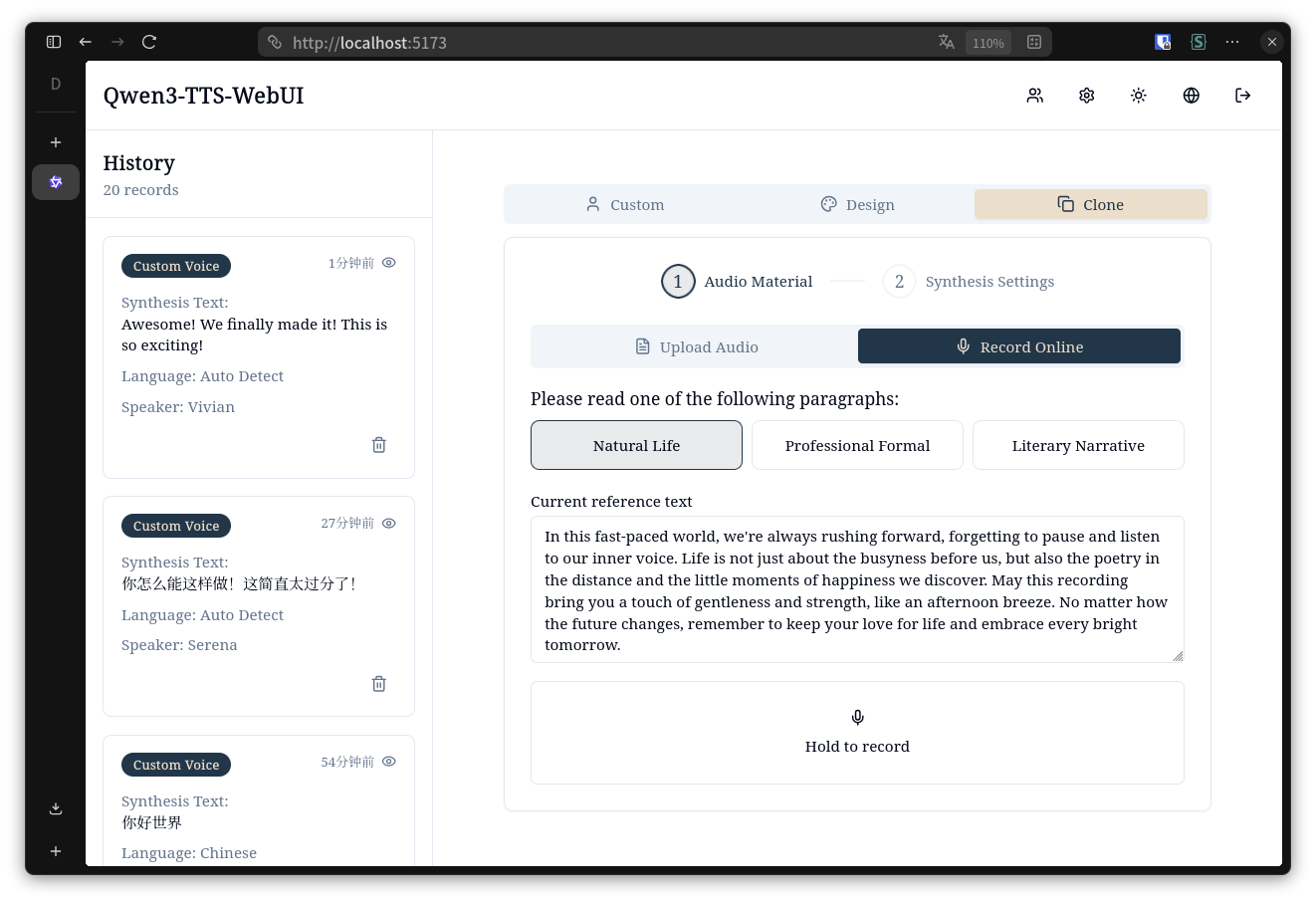
- Voice Cloning: Clone voices from uploaded audio
- Dual Backend Support: Switch between local model and Aliyun TTS API
- Multi-language Support: English, 简体中文, 繁體中文, 日本語, 한국어
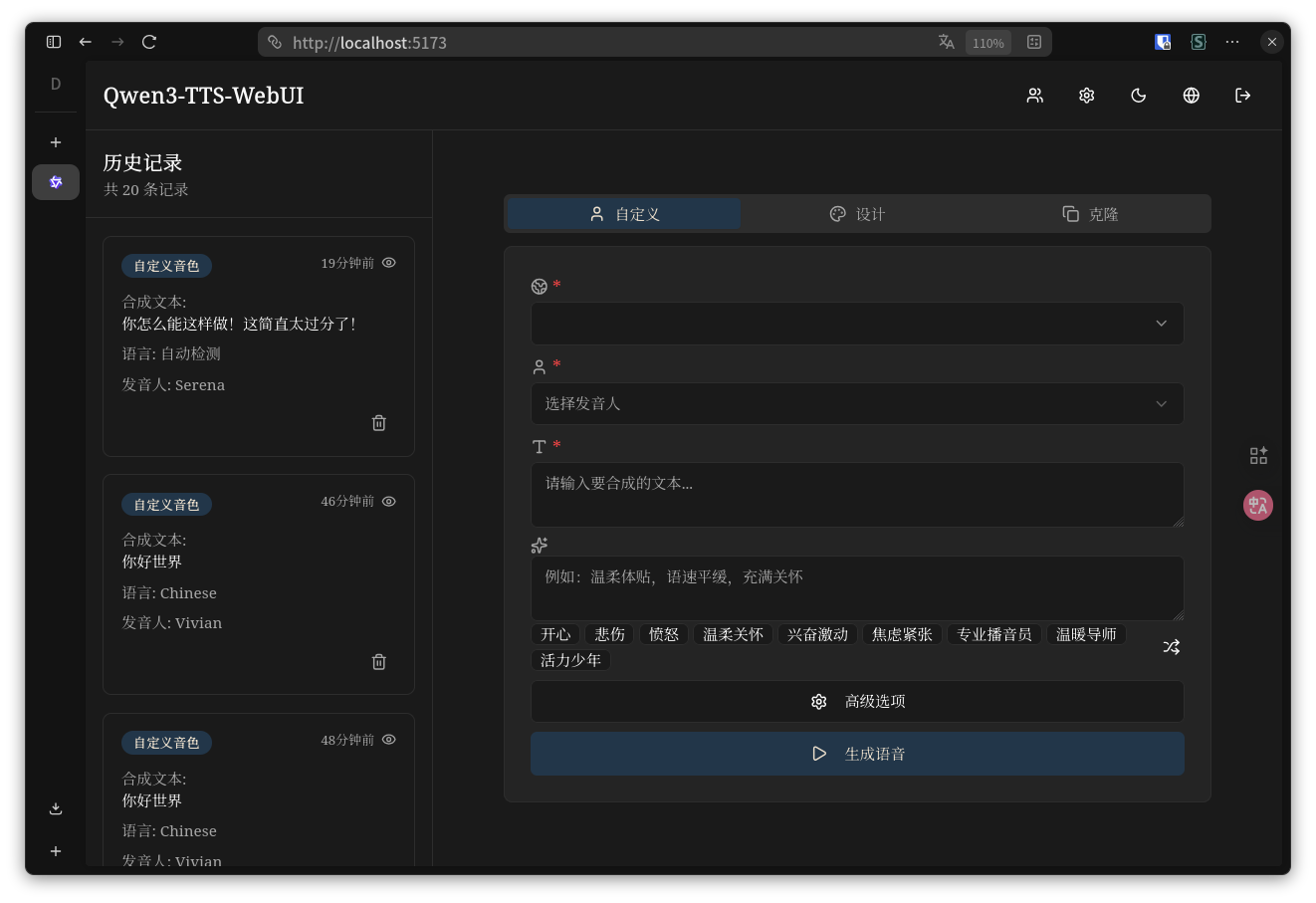
- JWT auth, async tasks, voice cache, dark mode
## Interface Preview
### Desktop - Light Mode
### Desktop - Dark Mode
### Desktop - Voice Design List
### Desktop - Save Voice Design Dialog
### Desktop - Voice Cloning
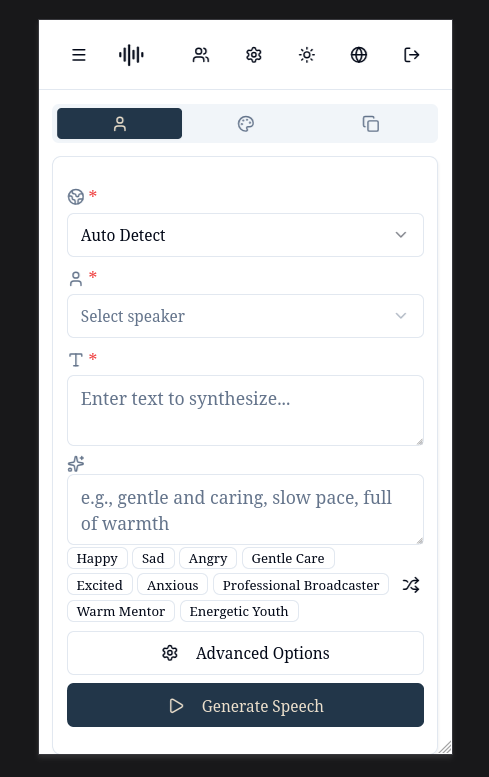
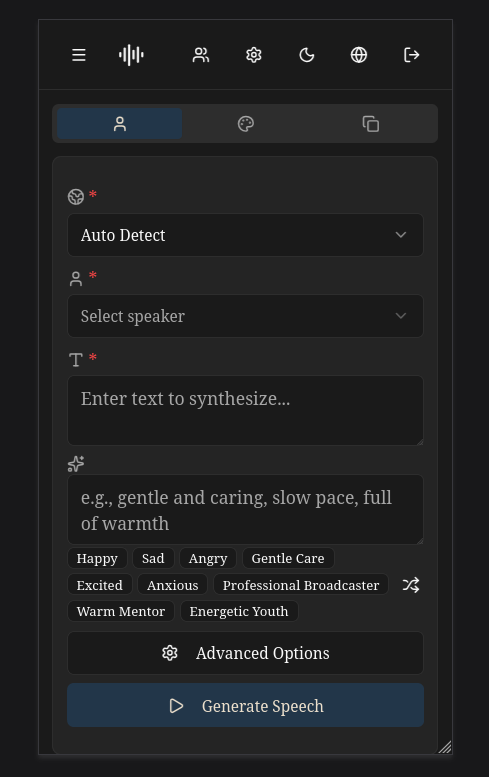
### Mobile - Light & Dark Mode
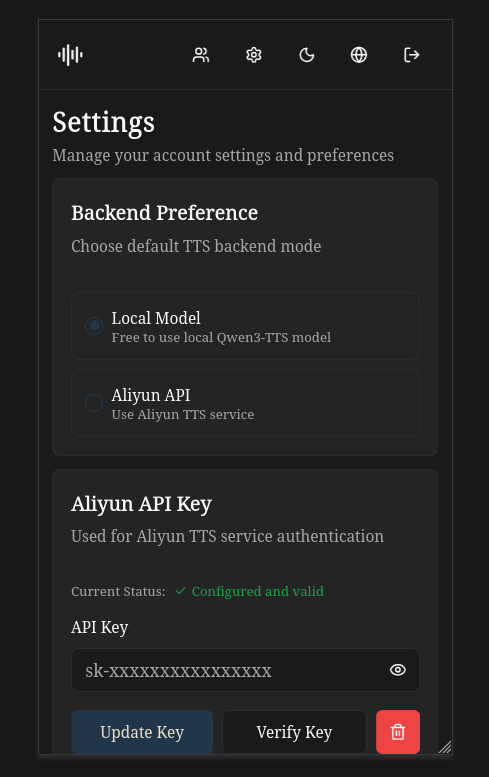
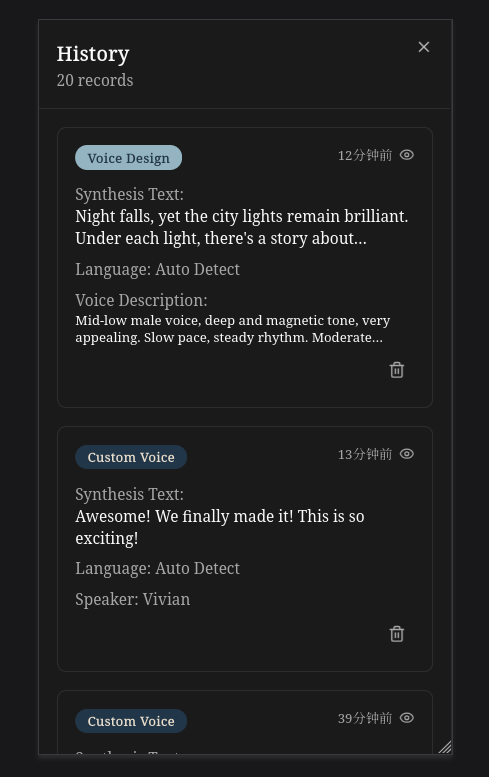
### Mobile - Settings & History
## Tech Stack
Backend: FastAPI + SQLAlchemy + PyTorch + JWT
Frontend: React 19 + TypeScript + Vite + Tailwind + Shadcn/ui
## Quick Start
### Backend
```bash
cd qwen3-tts-backend
python -m venv venv
source venv/bin/activate
pip install -r requirements.txt
cp .env.example .env
# Edit .env to configure MODEL_BASE_PATH and DEFAULT_BACKEND
# For local model: Ensure MODEL_BASE_PATH points to Qwen model directory
# For Aliyun: Set DEFAULT_BACKEND=aliyun and configure API key in web settings
uvicorn main:app --host 0.0.0.0 --port 8000 --reload
```
### Frontend
```bash
cd qwen3-tts-frontend
npm install
cp .env.example .env
# Edit .env to configure VITE_API_URL
npm run dev
```
Visit `http://localhost:5173`
**First Time Setup**: On first run, a default superuser account will be automatically created:
- Username: `admin`
- Password: `admin123456`
- **IMPORTANT**: Please change the password immediately after first login for security!
## Configuration
### Backend Configuration
Backend `.env` key settings:
```env
SECRET_KEY=your-secret-key
MODEL_DEVICE=cuda:0
MODEL_BASE_PATH=../Qwen
DATABASE_URL=sqlite:///./qwen_tts.db
DEFAULT_BACKEND=local
ALIYUN_REGION=beijing
ALIYUN_MODEL_FLASH=qwen3-tts-flash-realtime
ALIYUN_MODEL_VC=qwen3-tts-vc-realtime-2026-01-15
ALIYUN_MODEL_VD=qwen3-tts-vd-realtime-2026-01-15
```
**Backend Options:**
- `DEFAULT_BACKEND`: Default TTS backend, options: `local` or `aliyun`
- **Local Mode**: Uses local Qwen3-TTS model (requires `MODEL_BASE_PATH` configuration)
- **Aliyun Mode**: Uses Aliyun TTS API (requires users to configure their API keys in settings)
**Aliyun Configuration:**
- Users need to add their Aliyun API keys in the web interface settings page
- API keys are encrypted and stored securely in the database
- Superuser can enable/disable local model access for all users
- To obtain an Aliyun API key, visit the [Aliyun Console](https://dashscope.console.aliyun.com/)
### Frontend Configuration
Frontend `.env`:
```env
VITE_API_URL=http://localhost:8000
```
## Usage
### Switching Between Backends
1. Log in to the web interface
2. Navigate to Settings page
3. Configure your preferred backend:
- **Local Model**: Select "本地模型" (requires local model to be enabled by superuser)
- **Aliyun API**: Select "阿里云" and add your API key
4. The selected backend will be used for all TTS operations by default
5. You can also specify a different backend per request using the `backend` parameter in the API
### Managing Aliyun API Key
1. In Settings page, find the "阿里云 API 密钥" section
2. Enter your Aliyun API key
3. Click "更新密钥" to save and validate
4. The system will verify the key before saving
5. You can delete the key anytime using the delete button
## API
```
POST /auth/register - Register
POST /auth/token - Login
POST /tts/custom-voice - Custom voice (supports backend parameter)
POST /tts/voice-design - Voice design (supports backend parameter)
POST /tts/voice-clone - Voice cloning (supports backend parameter)
GET /jobs - Job list
GET /jobs/{id}/download - Download result
```
**Backend Parameter:**
All TTS endpoints support an optional `backend` parameter to specify the TTS backend:
- `backend: "local"` - Use local Qwen3-TTS model
- `backend: "aliyun"` - Use Aliyun TTS API
- If not specified, uses the user's default backend setting
## License
Apache-2.0 license